.--.        .
|   : o    _|_   o                    o
|   | .  .-.|    .  .-. .--. .-.  .--..  .-. ---.
|   ; | (   |    | (   )|  |(   ) |   | (.-'  .'
'--'-' `-`-'`-'-' `-`-' '  `-`-'`-' -' `-`--''---
The all-in-one browser extension for
instant word lookup,
sentence translation,
realistic text-to-speech, and
vocabulary building.
Proudly Open Source over a decade at
Github
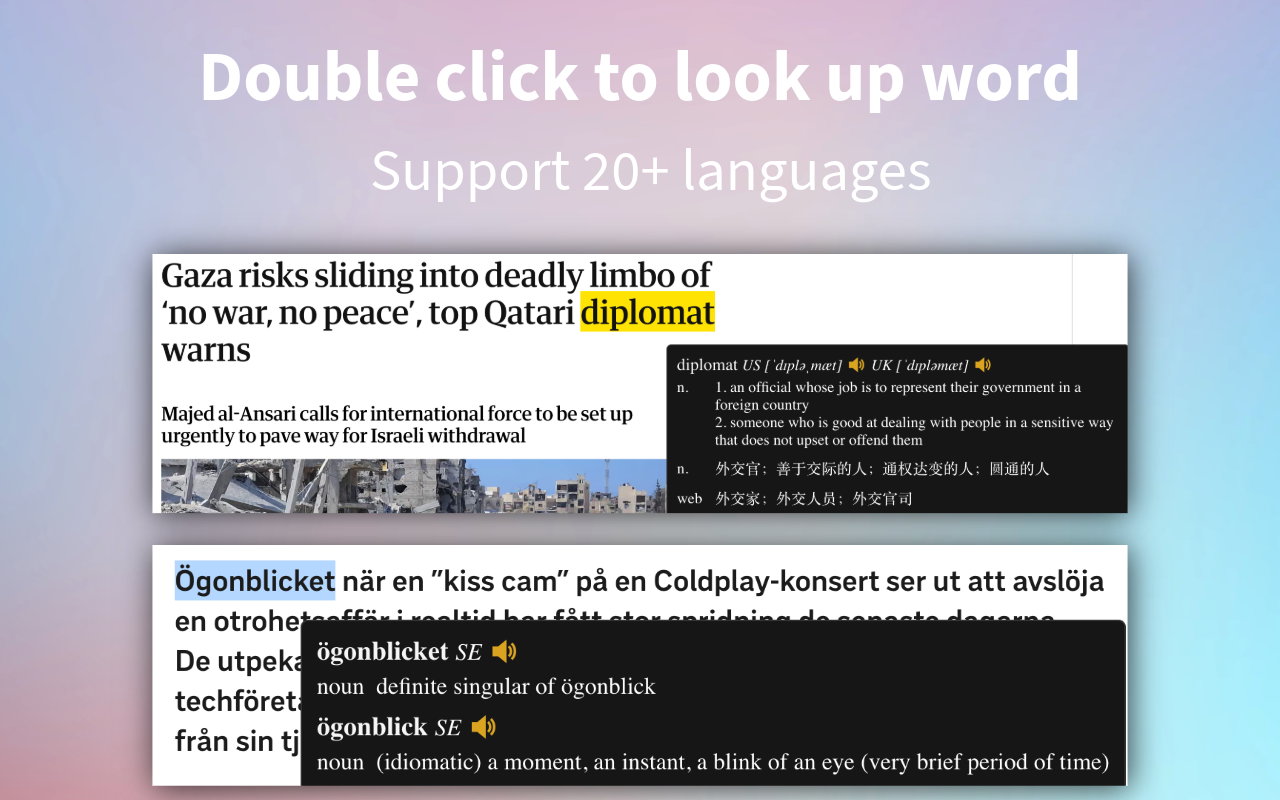
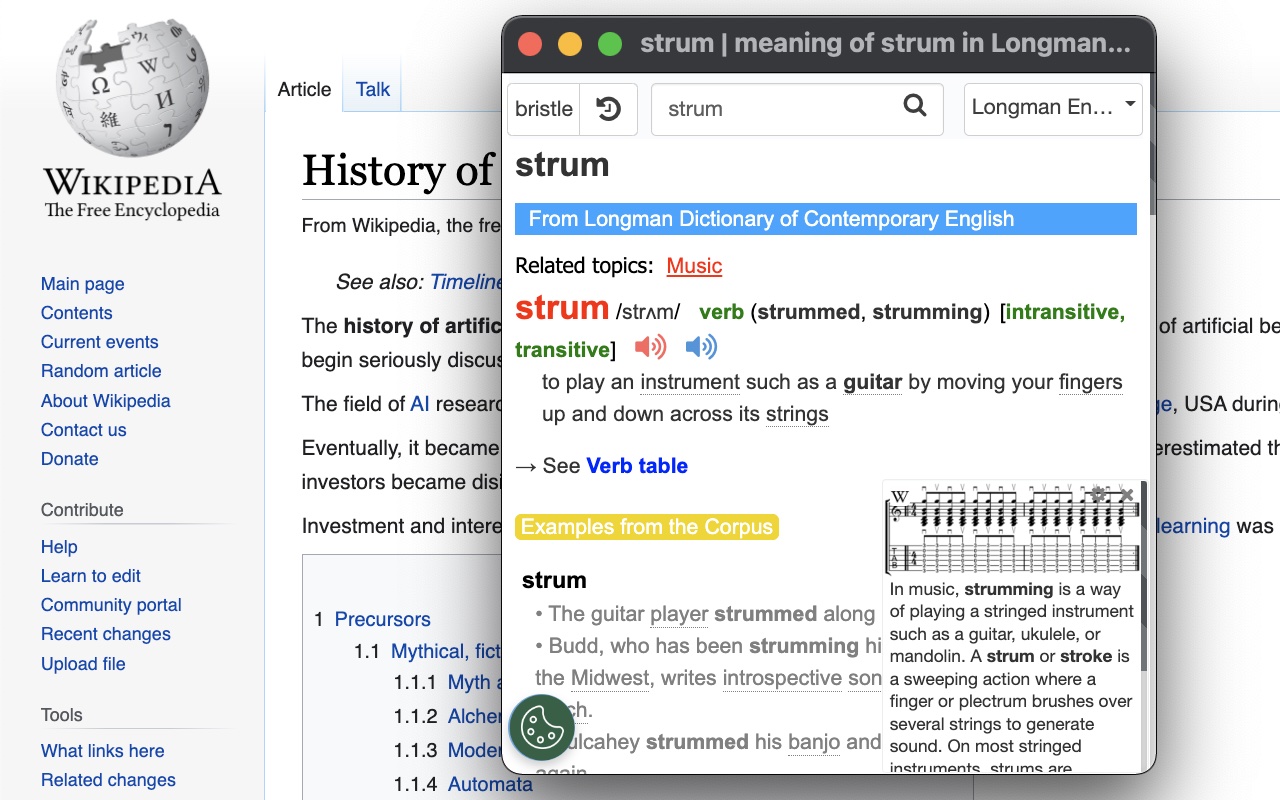
Double-click any word for a quick pop-up definition. Right-click or open the app for deep dives into detailed explanations.
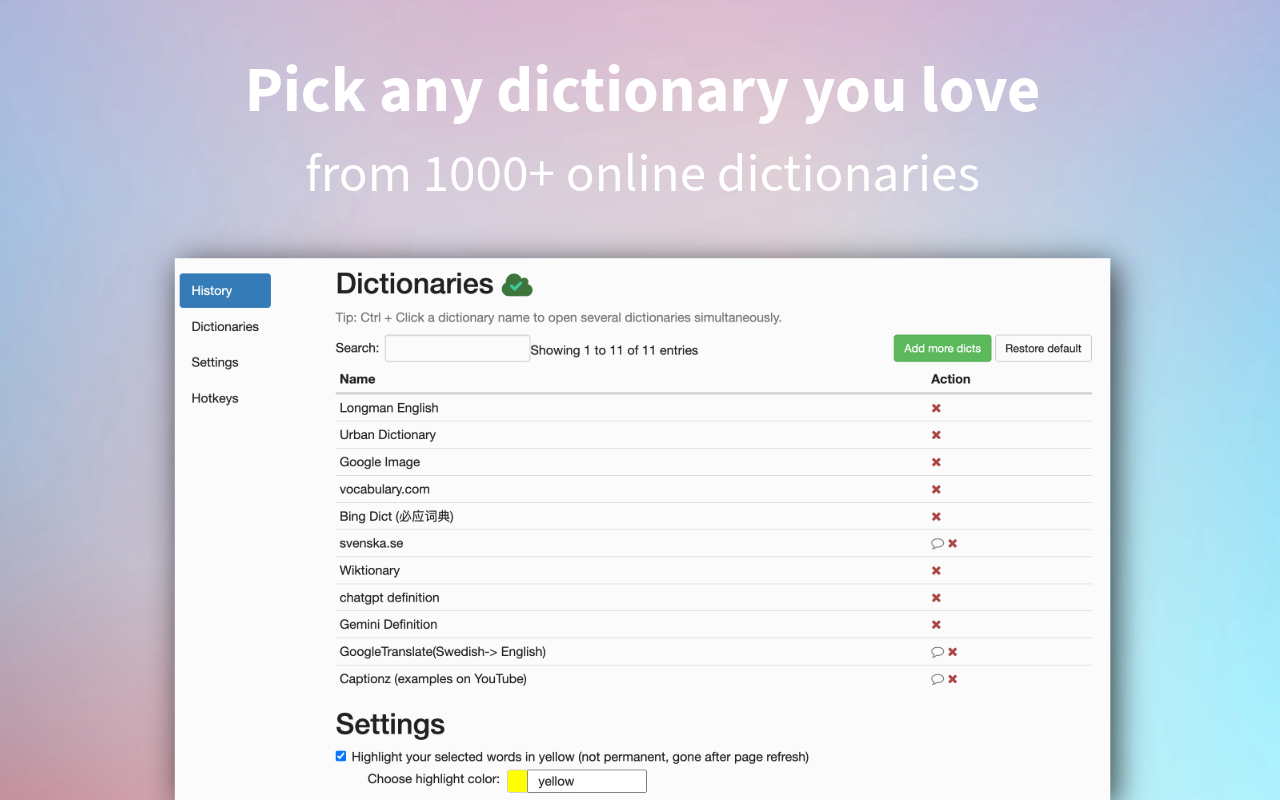
Customize your learning by selecting and prioritizing your favorite dictionaries. Supports multiple languages and sources for in-depth study.
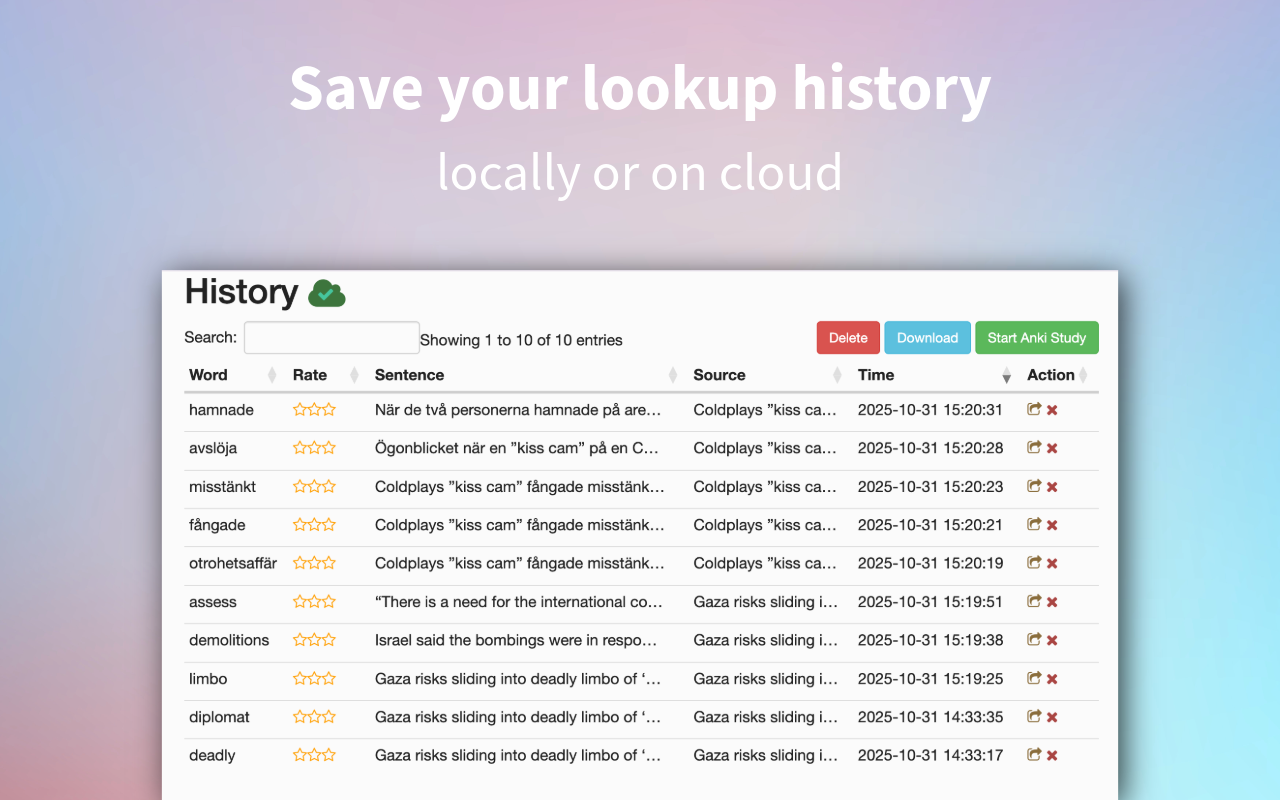
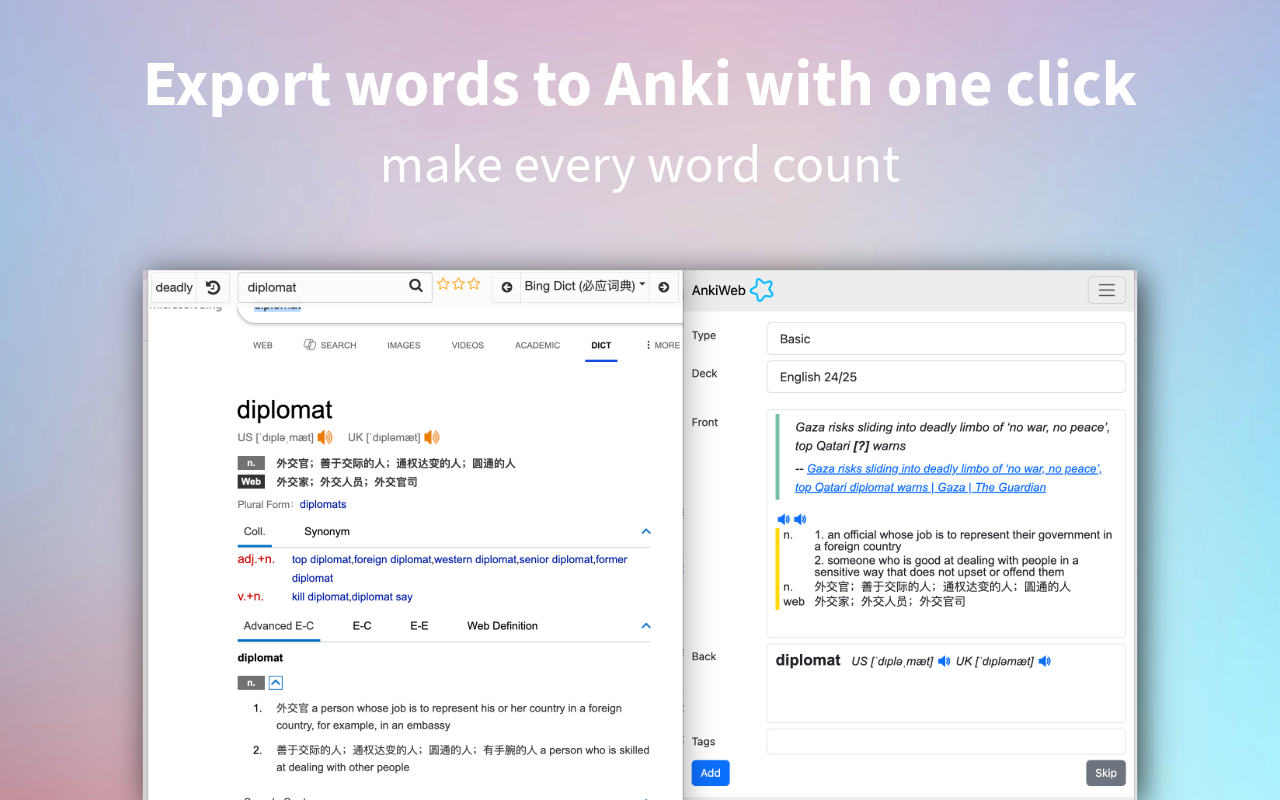
Turn your lookup history into Anki flashcards with a single click. Effortlessly build your long-term vocabulary.
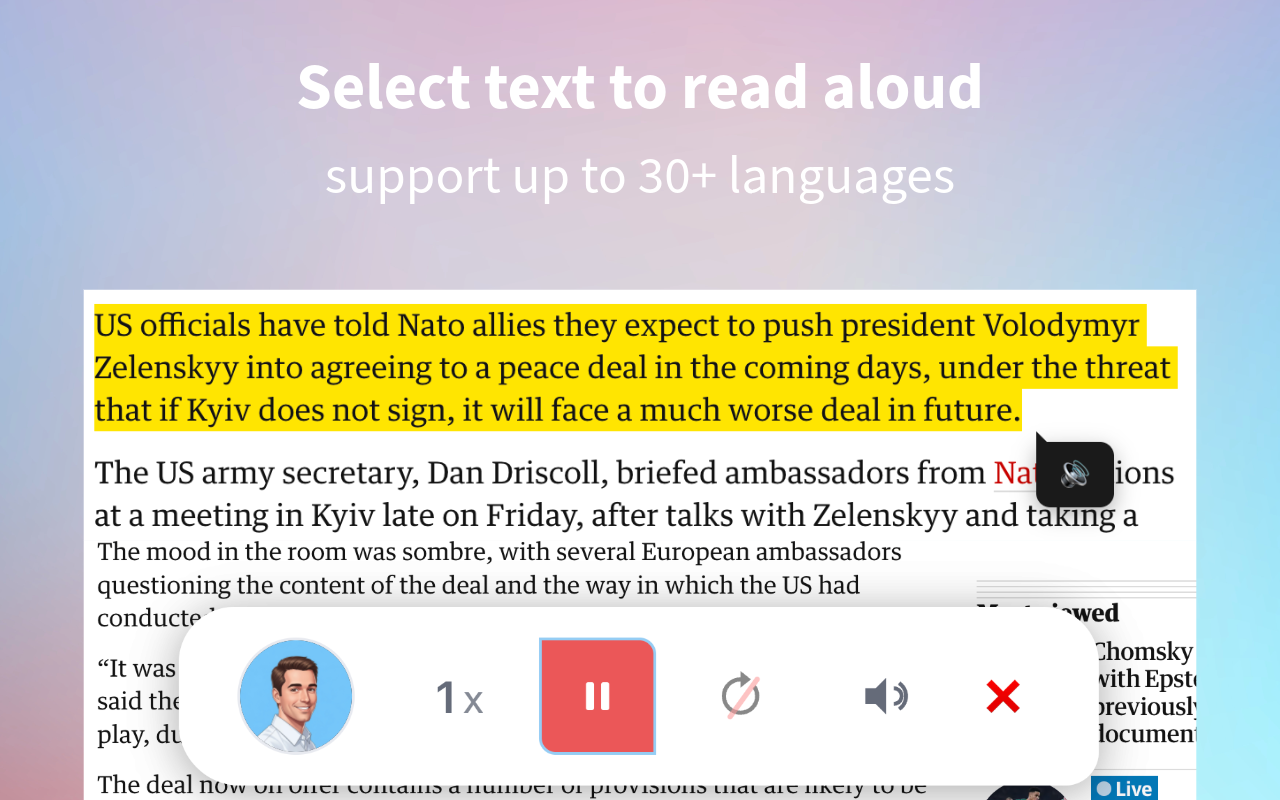
Hear realistic pronunciation instantly using built-in Text-to-Speech. Select any text to listen and improve your accent.
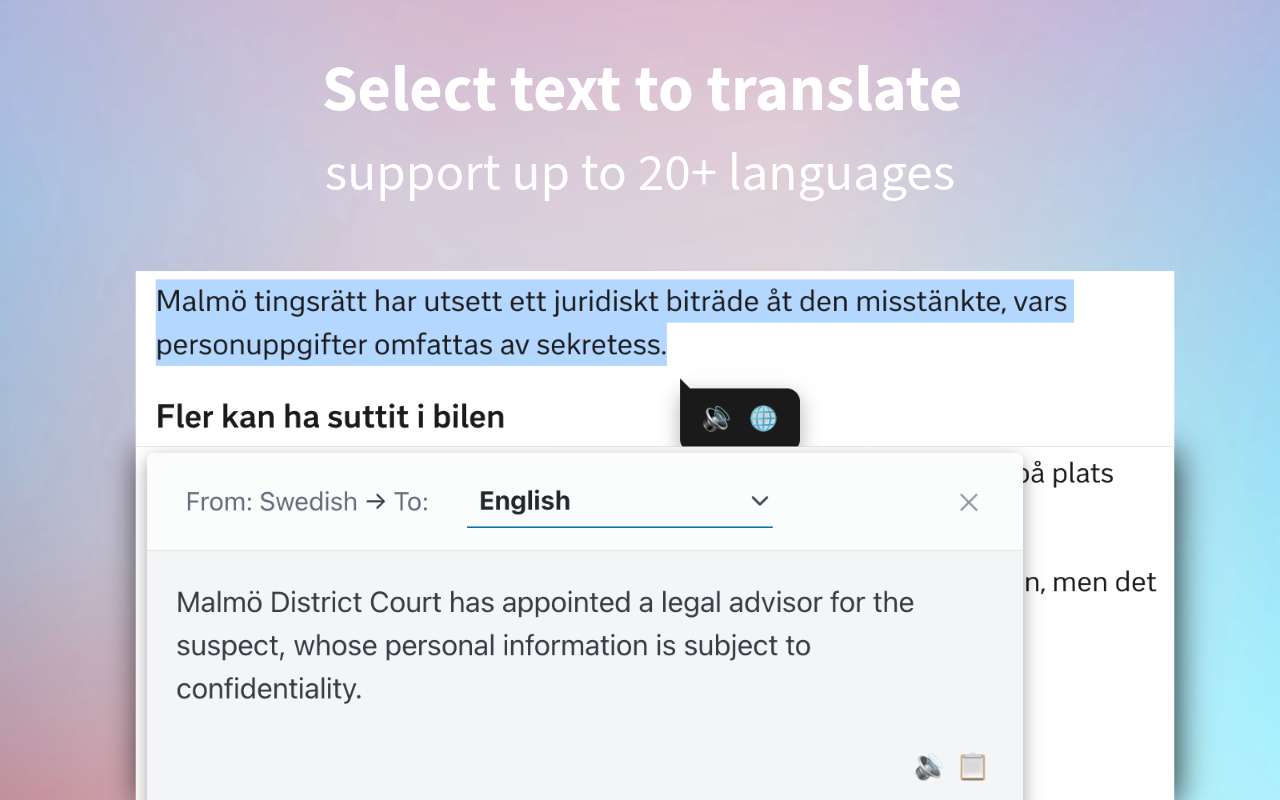
Select any text on any website for instant translation to your target language. Break language barriers as you browse.
Set keyboard shortcuts to match your workflow and enjoy auto-complete suggestions for faster, smarter searching.
After installing the extension, you need to refresh any pages that were already open in your browser. The extension only activates on pages loaded after installation.
For security reasons, browser extensions are not allowed to run on extension store pages such as the Chrome Web Store, Edge Add-ons, or Firefox Add-ons. This is a browser restriction and applies to all extensions.
Yes, after changing most settings in the extension, you should refresh any open webpages for the changes to take effect. But on the options page itself, changes apply immediately without needing a refresh.
You can add more dictionaries from the Dictionariez Trove. Just click the Add to Dictionariez button next to any dictionary you want to add, and it will be added to your extension.
If you discover a free online dictionary that isn't yet available in the Dictionariez Trove, you can help the community by submitting it! Just follow the instructions at How to add a new dictionary to the Trove .
Currently, the double-click functionality supports 20+ languages. If your target language is not in the list, please send me a feature request at the feedback forum. I’m happy to add more languages! For example, when a user requested Turkish support, I added it quickly: see the Turkish support request.
For looking up words in PDFs, use the PDF Reader I made. It's free and completely privacy-focused: no content is uploaded anywhere. You can also select any text in the PDF to have it read aloud by Dictionariez.
If you find a bug, please don’t just walk away. Help me make Dictionariez better for everyone! By reporting issues, you’re also helping other users. You can report bugs or issues on the feedback forum. If you prefer GitHub, you can also open an issue at the Dictionariez GitHub Issues page.
We care deeply about your privacy. In general, Dictionariez does not collect any browser information or personal user data. Your lookup history and settings are stored locally in your browser's storage and synced using your browser's built-in sync service. For some pro features, only the minimal necessary text is sent to the server to provide the service, and all of these features can be turned off at any time. For a detailed breakdown, please see the full Privacy Policy.
What Users Say